A profile picture for everyone in the group, all in the same style.
You send one link. Each person takes a selfie on their phone, wherever they are. About a minute and a half later their picture is ready, in the style you chose for the group.
One outdoors, one at a desk, one in a room with little light. Nobody needs a plain background or a good camera.
Each photo is checked
In about 30 seconds the app checks that there is one face, in focus and with enough light. Mei’s first photo was blurred: the page told her why, and she took another.
Everyone gets the same style
The style you chose is applied to each photo, with the same framing and the same background. The pictures come back one at a time, each about a minute and a half after its selfie.
Try another style on the same group
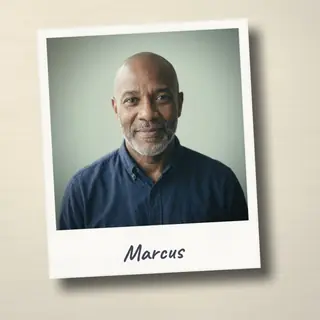
Mei, Marcus and Priya also have their pictures in the Instant style. Switch between the two.
How it works
1
You make a group
Pick one of the seven ready styles, or describe your own and try it on a photo. The group uses the credits of your organization, and in its settings you can give it a credit limit it never goes past.
2
You share one link
Send it in a chat or by email, or show its QR code in the room. Nobody needs an account or an app, and the page is in 24 languages.
3
Everyone gets their picture
Each person takes a selfie with their phone. About a minute and a half later the picture is ready to download, or to put on Slack, Teams, WhatsApp or an email signature.
Seven styles, or one of your own
Seven are ready. You can also describe your own in a few words and try it on a photo before anyone sees it.
ClassicA clean studio portrait91–98 seconds from the selfie
FootballTeam jersey, on the pitch168–171 seconds from the selfie
ComicA hand-drawn illustration77–96 seconds from the selfie
Create your ownDescribe it in your words
InstantA snapshot with your name on it
Pixel artLike a 16-bit video game
WatercolorSoft, painted by hand
OutdoorsThe same place behind everyone107–120 seconds from the selfie
Who it is for
A class
A teacher opens a group for class 3B in the Comic style and shows the QR code on the whiteboard. When the link is made, the school confirms it has the parents’ consent. If the class uses Google Classroom, the link can go in the course.
A company
HR opens a group in the Classic style for the people who joined this month. The IT admin connects Microsoft 365 or Google Workspace once, and from then on can put the pictures on everyone’s account, where Teams, Outlook and Gmail show them.
A club
A football club opens a group in the Football style for its players. Each of them puts the picture on WhatsApp or Telegram from the result page, or downloads it for the club’s website.
Photos of people, kept to their group
From the link, each person sees only their own picture; the organizer sees the group. A group of under-18s needs the parents’ consent, confirmed by the school, and some styles and apps are left out. Removing a person deletes their photos.
Where the picture goes
Each person puts it there, from the result page
Slack
Microsoft 365
Zoom
WhatsApp
Telegram
Gravatar
Email signature
The organizer puts it on everyone’s account
Microsoft 365
Google Workspace
Slack
In a school
Google ClassroomThe link goes in the course
MoodlePeople are recognised by name
Telegram, Gravatar, the email signature and the WhatsApp number of Cool Profile are for groups of adults only.
For LinkedIn, Discord, GitHub, Atlassian and Webex the page gives the file and the steps to change the photo by hand.
Request access to the pilot
The pilot starts in autumn 2026 with a small number of organizations. Tell us about your group and we will get back to you by email.




















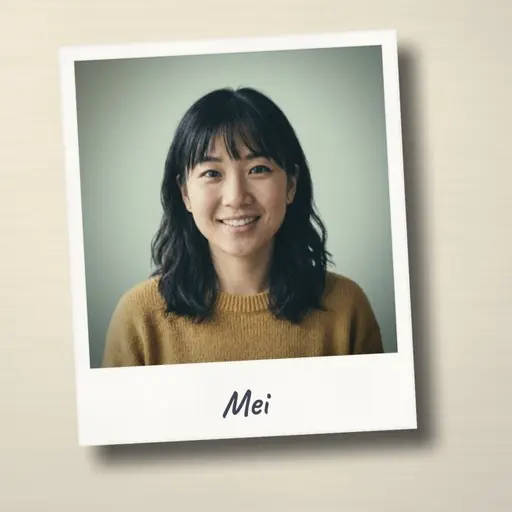 MeiWaitingOut of focusBeing madePhoto done
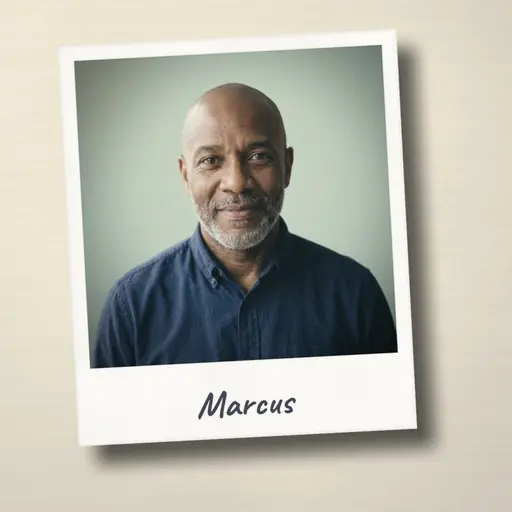 MarcusWaitingBeing madePhoto done

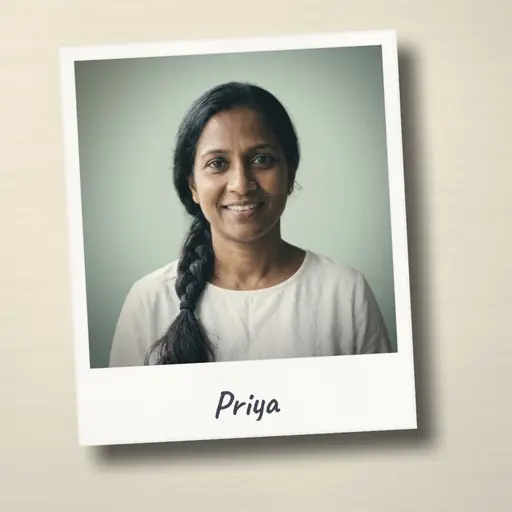 PriyaWaitingBeing madePhoto done